Right click on your vSAN cluster and navigate to Licensing. Select Assign Supervisor Cluster License and select the appropriate license. If you need to add a new license select Menu at the top -> Administration -> Licenses -> Add
Configuring Workload Management with NSX-T
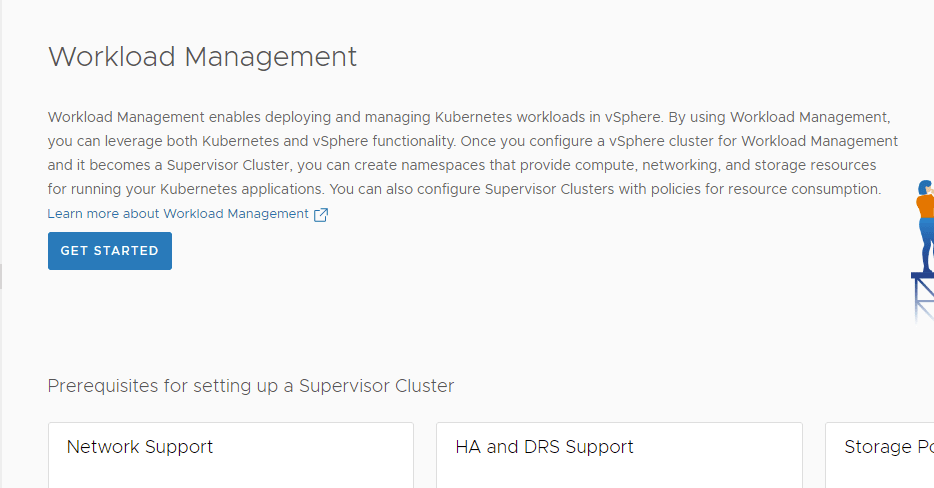
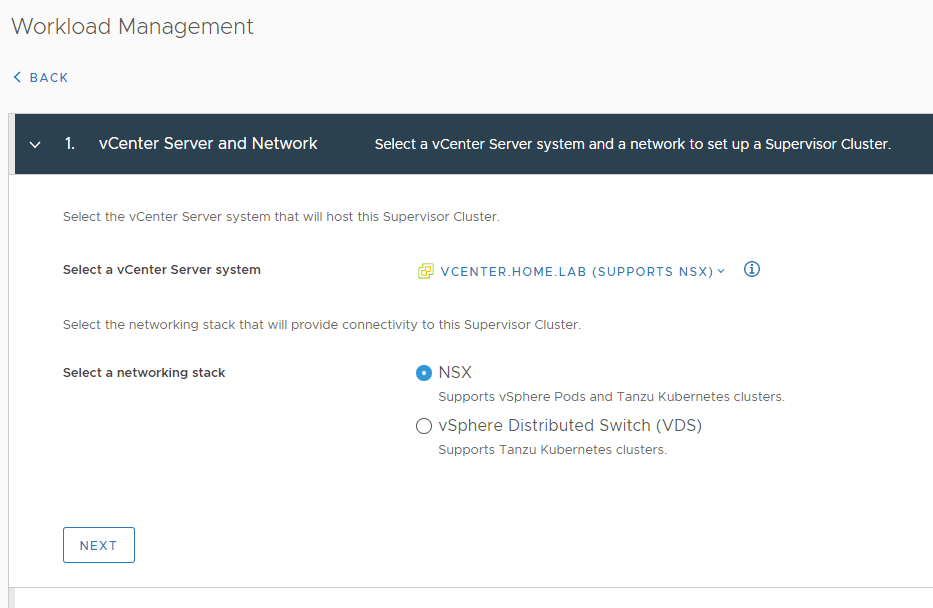
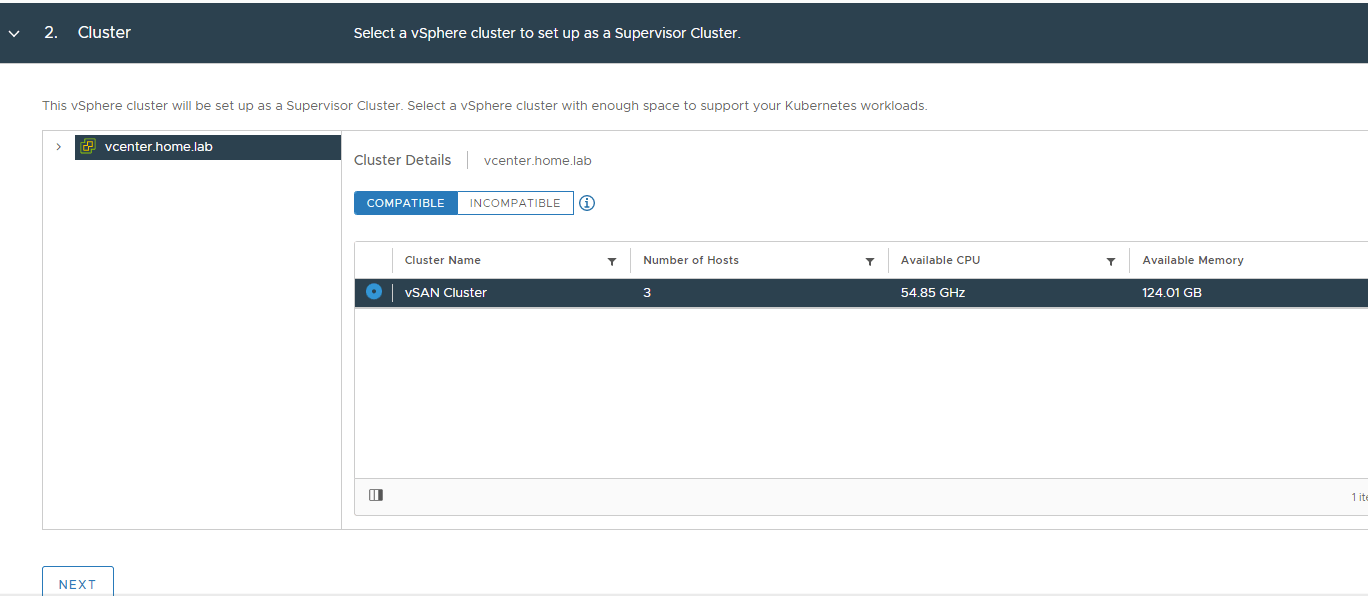
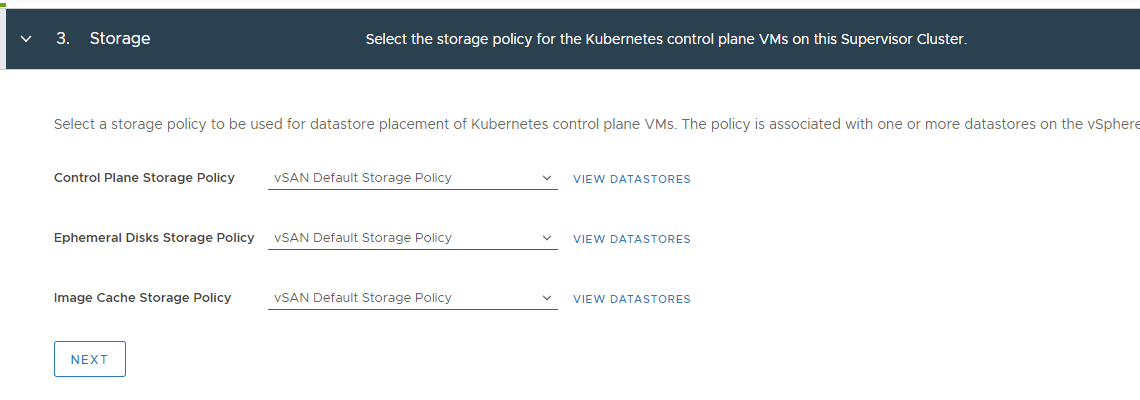
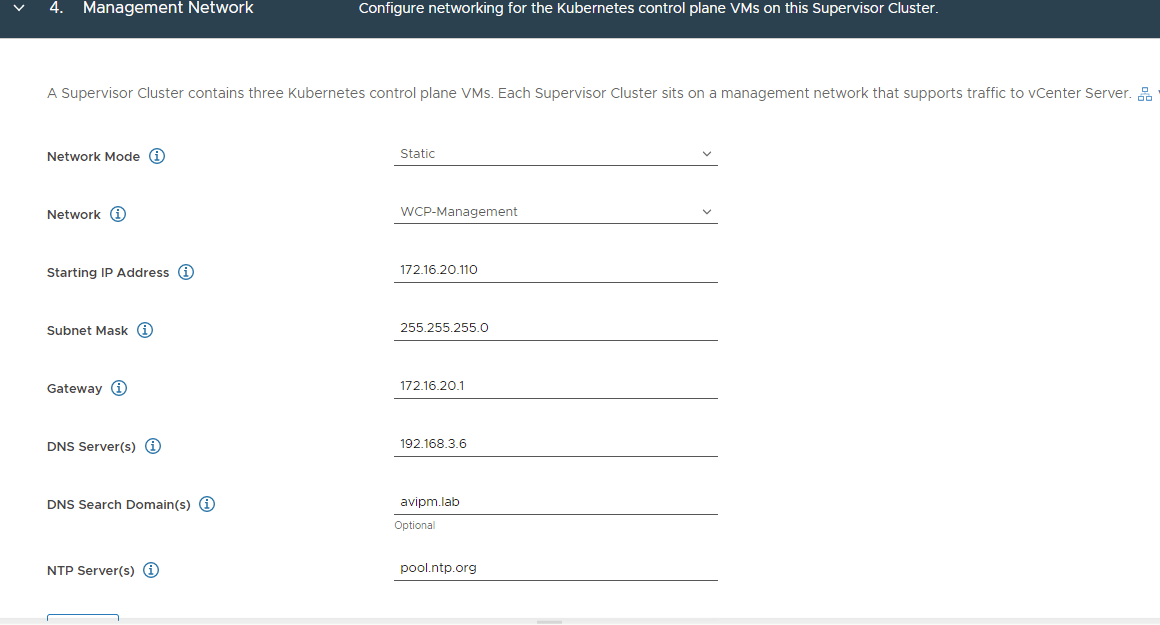
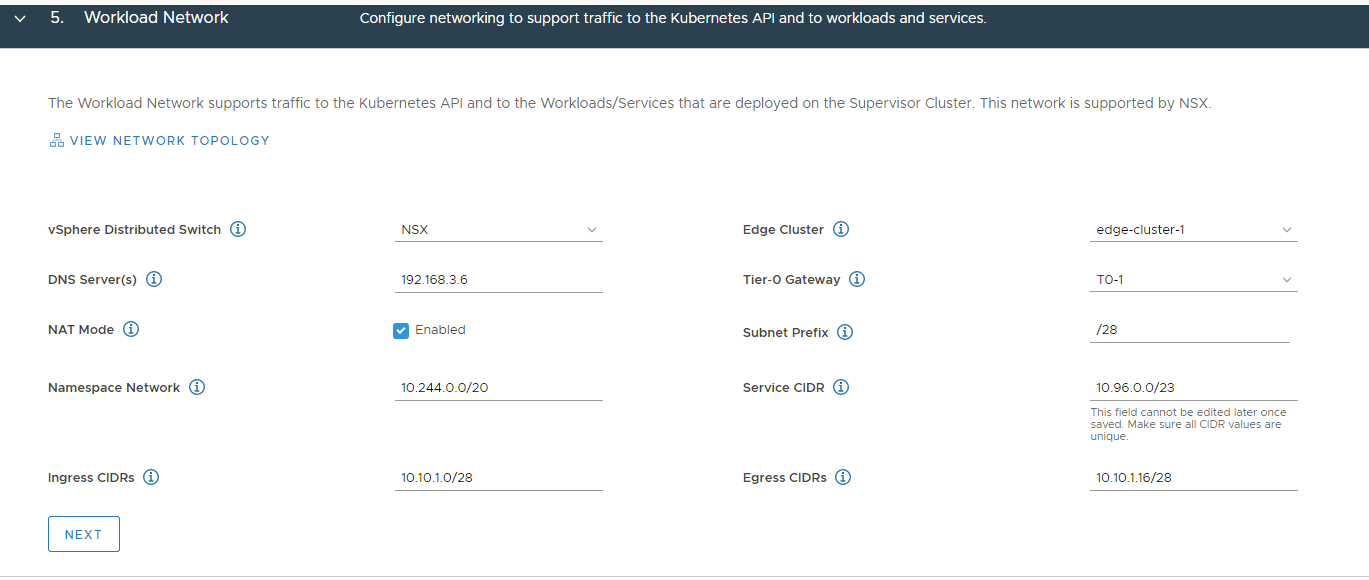
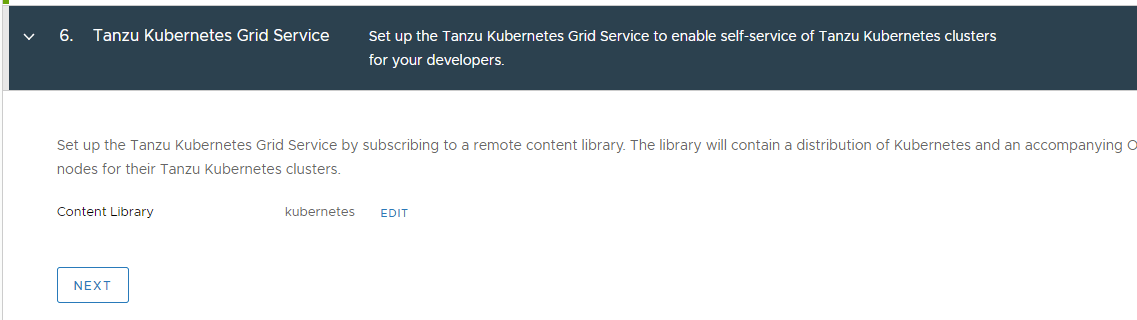
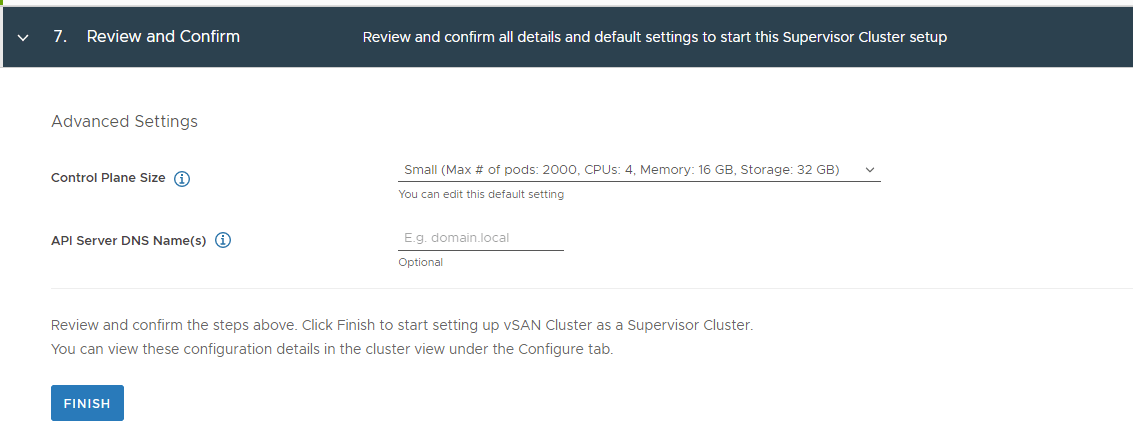
Navigate to Workload Management and click Get Started.Select NSX and Next.Select the vSAN Cluster and click Next.Select vSAN Default Storage Policy for all 3.Select Static for the management network and add in the IP address, subnet mask, and gateway. I am using a segment that I created in NSX-T. Add the dns servers, search domain, and ntp-servers.For the workload network, select NSX vSphere distributed switch, edge-cluster-1 and the T0-1 gateway that we created. Add a dns server and leave the namespace network and service CIDR default. Ingress and Egress cidrs need to be routeable, so I created a default route from my home router for the 10.10.0.0/16 network and pointed it to the vyos router. vyos will learn the routes from NSX-T via iBGP.Select the Kubernetes content library.Finally, select Small and click Finish.Grab a cup of coffee, because this process takes a while. About 10-15 minutes.Eventually you should see the cluster in a Running state. Take note of the control plane node address, you will need it later to setup the guest cluster.